Automations overview
Automations help you scale repeatable actions. They are designed to increase revenue by sending the right message at the right time, and to save time by running workflows automatically.
Written By Chatseeker
Last updated 6 months ago
Automations overview
Automations help you scale repeatable actions. They are designed to increase revenue by sending the right message at the right time, and to save time by running workflows automatically.
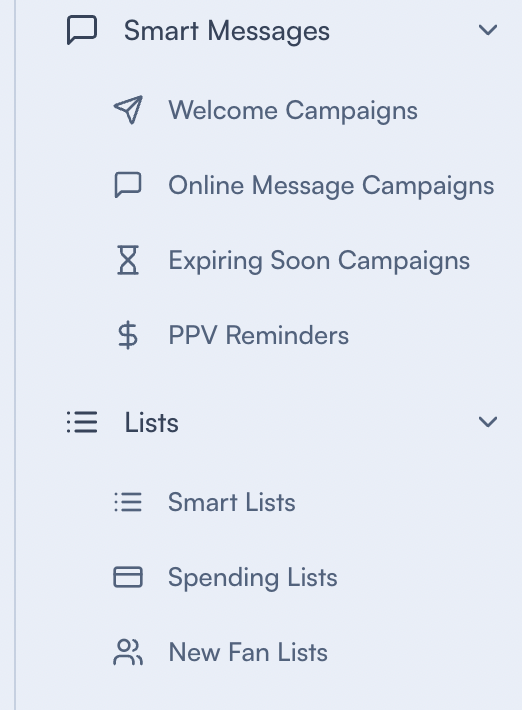
Automation categories
Campaign automations (message delivery)
Campaign automations send messages based on triggers or schedules. Examples:
Welcome messages for new followers and subscribers
Online message campaigns during specific time windows
PPV reminder messages
List-based segmentation (audiences and targeting)
List-based automation helps you build and maintain the audiences you target with messages and workflows. Examples:
Smart Lists (dynamic segmentation rules)
Spending Lists (spending range segmentation)
New Fan Lists (auto-assign new followers/subscribers to a list)
Recent Chat List (build a list from recent chat activity)
Common concepts
Creator-scoped setup
Most automations are configured for a specific creator. Make sure you have a valid creator selected when opening an automation page.
Message sequences
Some automations support sending multiple messages as a sequence. A sequence can also include an optional follow-up.
Personalization (dynamic names)
In message editors, you can insert dynamic name placeholders so messages can include the fan’s name or your saved custom name.
Was this helpful?
Still need help? Ask the team